Retro gaming, simplified
Play your classic games on modern hardware
RetroX finds and installs the right emulator for every game, syncs your save states to the cloud, and brings 30+ classic systems to your Android TV, phone or tablet.
Why RetroX
Everything you need, nothing you have to configure
The right emulator, every time
RetroX automatically detects, downloads, and installs the correct emulator for every game you load — no manual setup, no hunting for BIOS files or config screens.
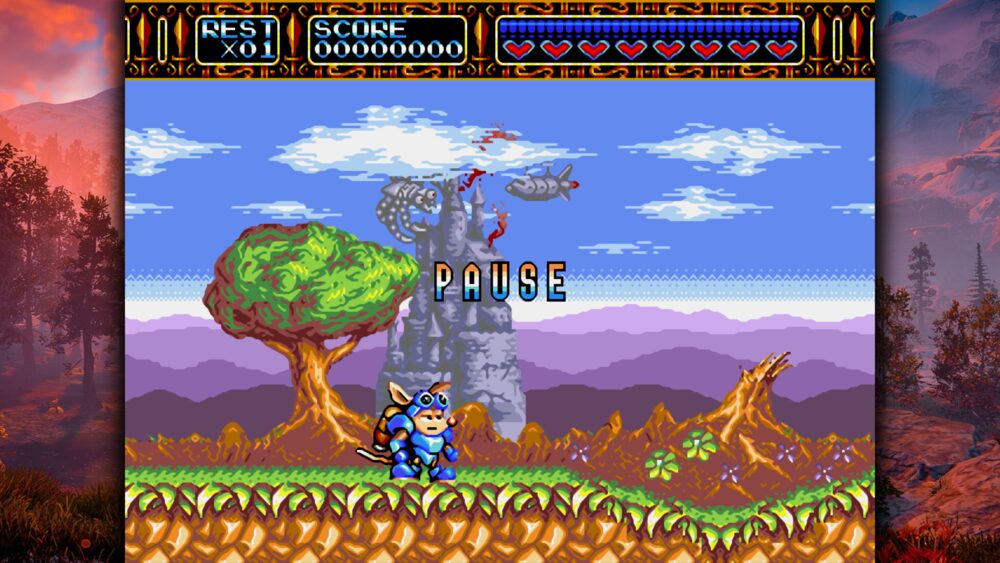
Never lose your progress
Save states and memory cards are stored in the cloud, so you can start a game on your TV and pick it back up on your phone or tablet.
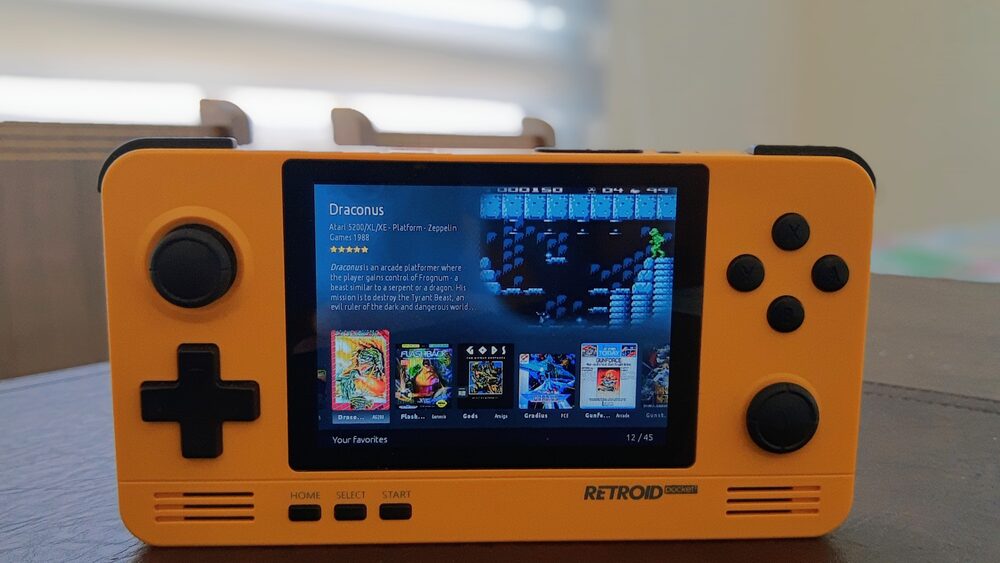
Runs where you play
NVIDIA Shield, Android TV boxes, handhelds like the Retroid Pocket, phones and tablets — RetroX adapts its interface to the screen in front of you.
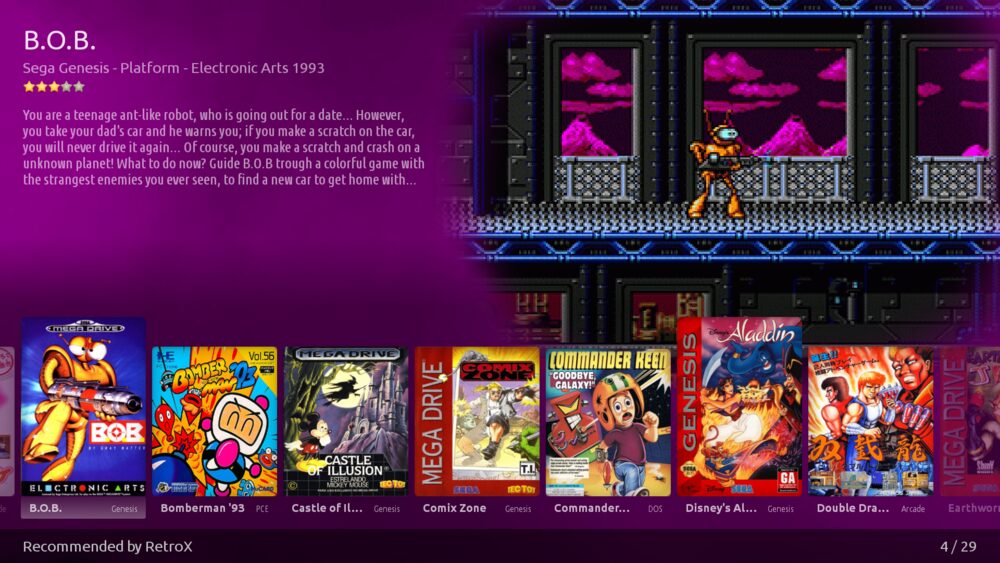
Bring your own collection
Load games from a USB drive, Dropbox, OneDrive or NextCloud. RetroX organizes everything into one searchable library, sorted the way you like.
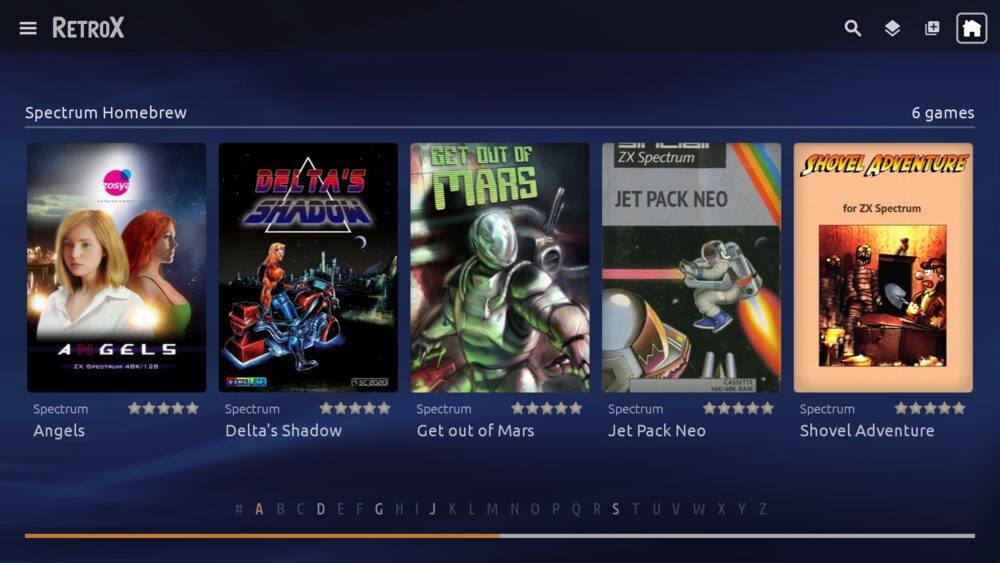
30+ systems and counting
From the late '70s to the early 2000s
One app, dozens of consoles and computers — new systems are added progressively.
- Atari 2600
- Atari 5200
- Atari 7800
- Atari 800 (XL/XE)
- Atari ST
- Atari Lynx
- Atari Jaguar
- Amstrad CPC
- Commodore 64
- Commodore Amiga
- Final Burn Neo
- GameBoy
- GameBoy Color
- GameBoy Advance
- MAME
- MSX (1, 2, 2+, TurboR)
- Neo Geo Pocket Color
- NES
- SNES
- Nintendo 64
- Panasonic 3DO
- PC MS-DOS
- PC Engine / TurboGrafx-16
- PlayStation 1
- PlayStation Portable
- ScummVM
- Sega Master System
- Sega Game Gear
- Sega Genesis
- Sega 32X
- Sega CD
- Sega Saturn
- Sega Dreamcast
- ZX Spectrum
Ready to play?
Try RetroX free for 5 days with full features. Keep using it afterwards, or purchase an Activation Code to unlock cloud saves and unlimited collections for good.